
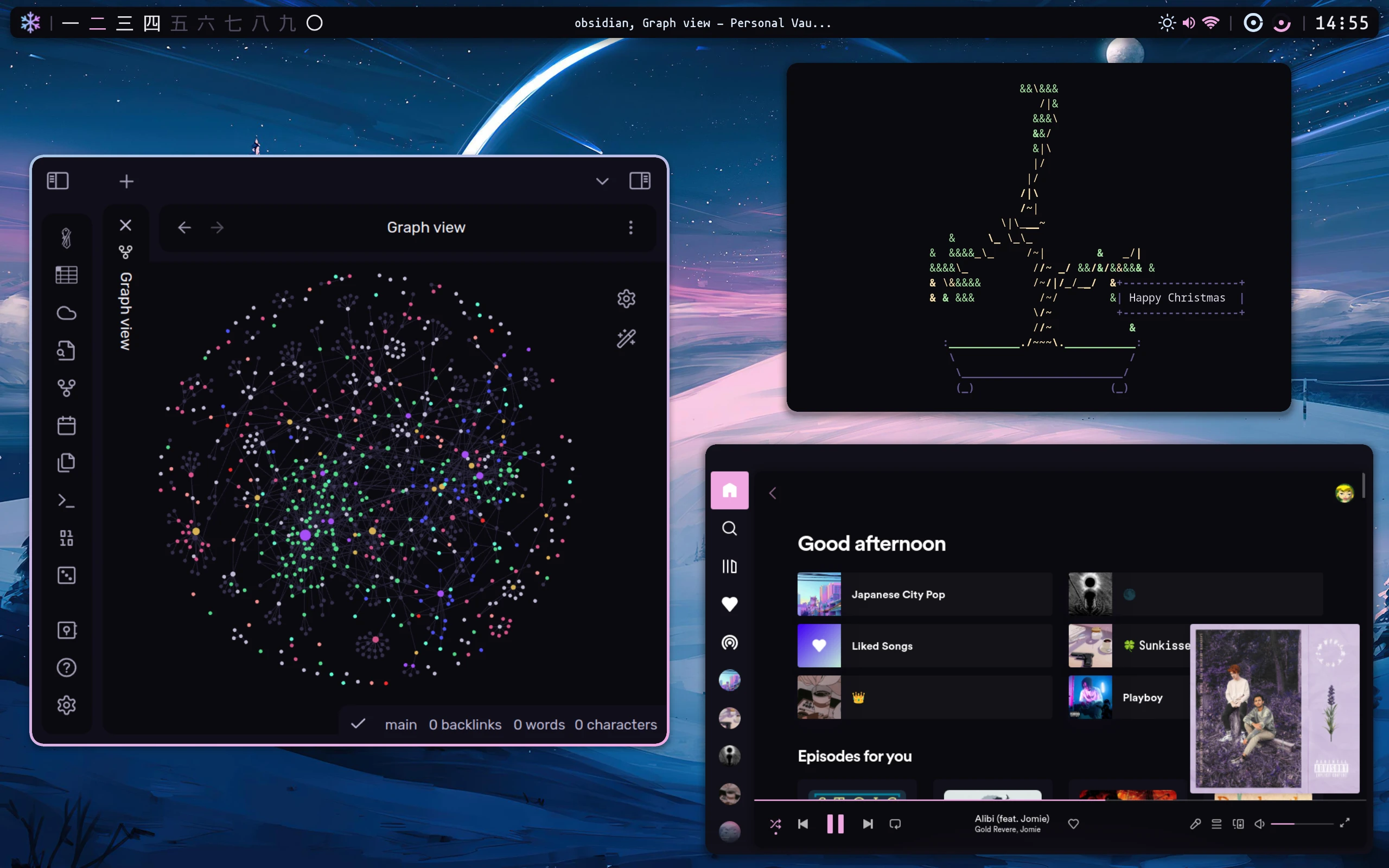
I recently reinstalled my Arch Linux installation. This means that I will need to set up Fcitx5 on Hyprland again soon. To prepare for this, I’ve decided to research and reinstall simultaneously. This blog post documents the results of my research.
1: Install it
Note: By itself, fcitx5 has only a basic framework that just gives English support. If you want to input other languages, such as Chinese or Japanese, you need an Input Method Engine (IME). See Input method#List of available input method editors for a list of available IMEs.
pacman -S fcitx5-im
fcitx5-im will install the following package:
- fcitx5
- fcitx5-configtool
- fcitx5-gtk
- fcitx5-qt
I will also install fcitx5-unikey so I can type Vietnamese.
pacman -S fcitx5-unikey
2: Env setup
In my case, I am using Hyprland, so I will put the env in the Hyprland config.
env = GTK_IM_MODULE,fcitx5
env = QT_IM_MODULE,fcitx5
env = XMODIFIERS,@im=fcitx5
This may work for others:
GTK_IM_MODULE=fcitx5
QT_IM_MODULE=fcitx5
XMODIFIERS="@im=fcitx5"
3: Run it on boot
How to do this depends on your distro/De. I can’t tell you exactly how.
On Hyprland:
exec-once = fcitx5
In your hypr config file
Here’s a list of guides for some popular DE, though:
Bonus(aka Electron issues):
I hate love Electron apps since the day that I use linux. Especially when I’m dealing with Electron apps on Wayland, things totally work perfectly. Like, without any issues! It is like a bless to my poor soul.
Good luck. You’ll probably need it.
Leave a comment